User Guide
Stitching Videos
How to combine your clips into a final film and export it.
After creating your scripts, scenes, images, audios, and videos it is time to make your film complete.
How to Stitch Videos as one and export
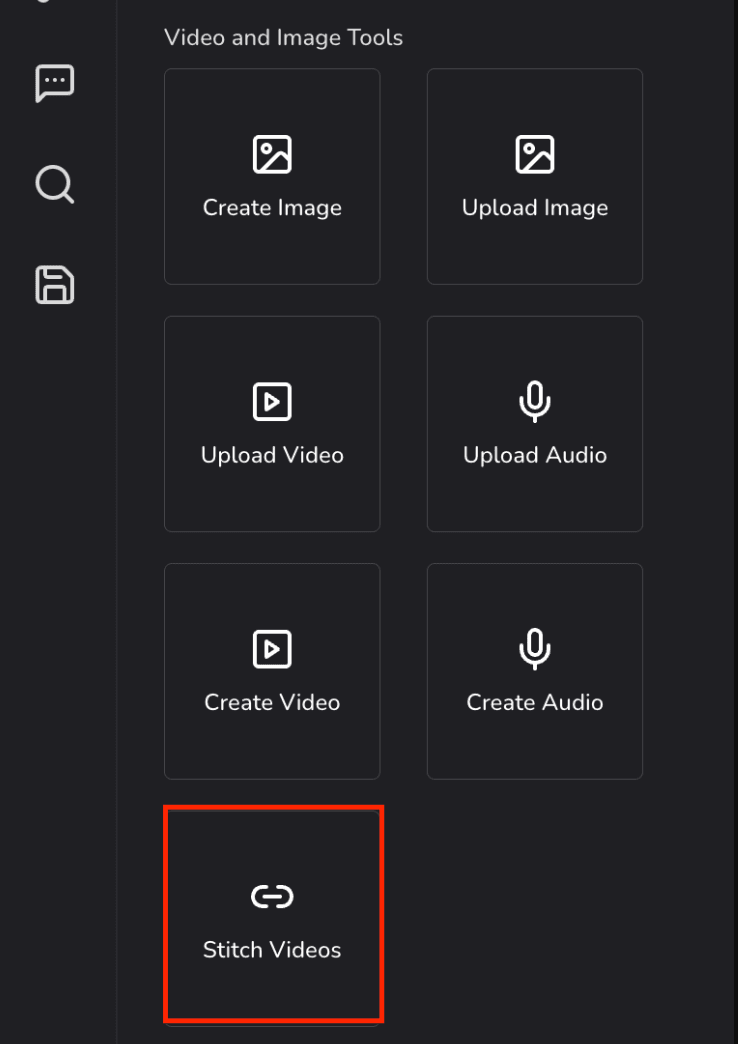
- Go to Toolbox.
- Click Stitch Videos.
- Connect nodes from your audio clips or your video clips and connect it with the Stitch video box as shown in the image below.
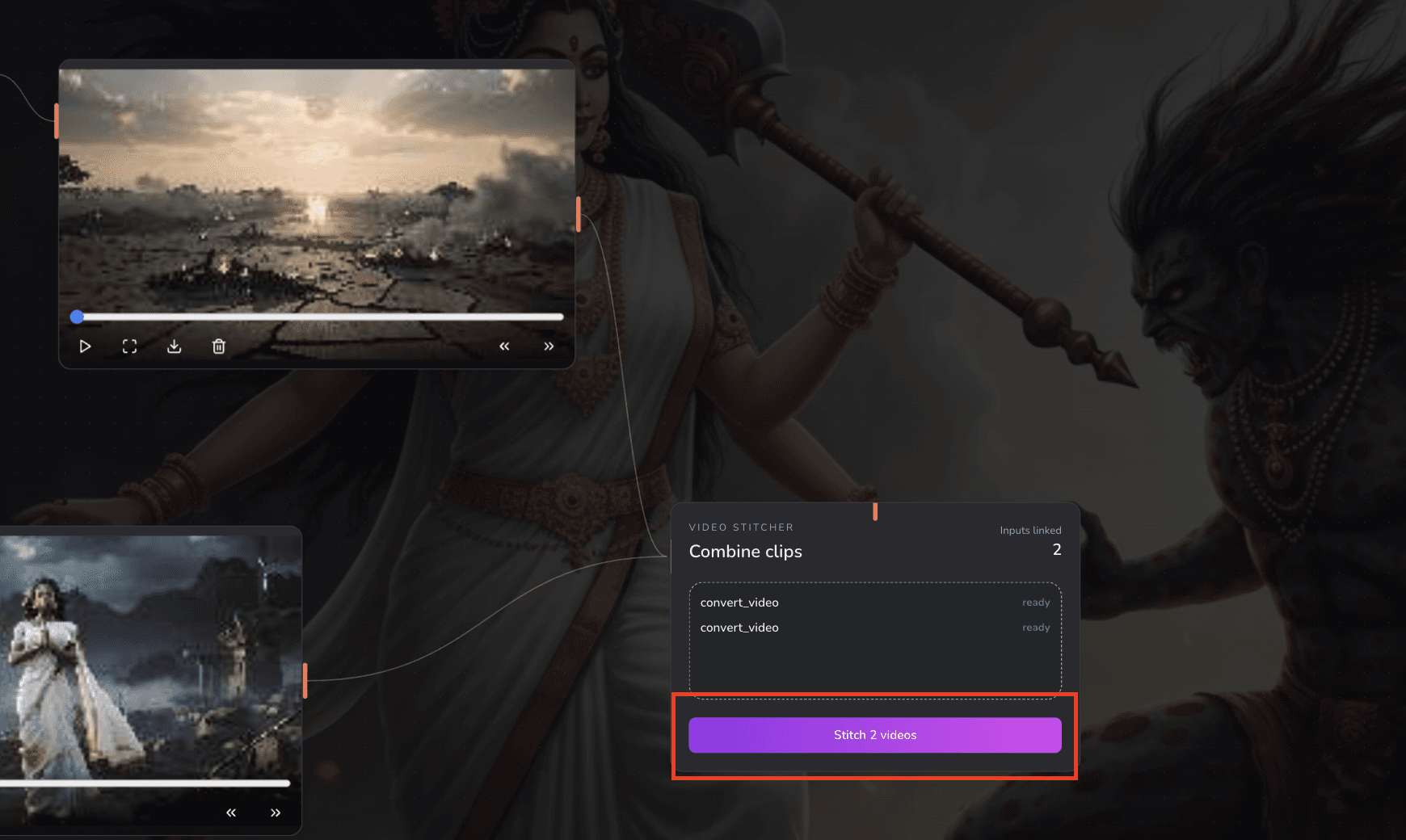
Always cross check your clips count in the Stitch box details
- Click Stitch Videos, highlighted in the image above.