User Guide
Moving Around
How to navigate the workspace.
How to Move Around in Globist
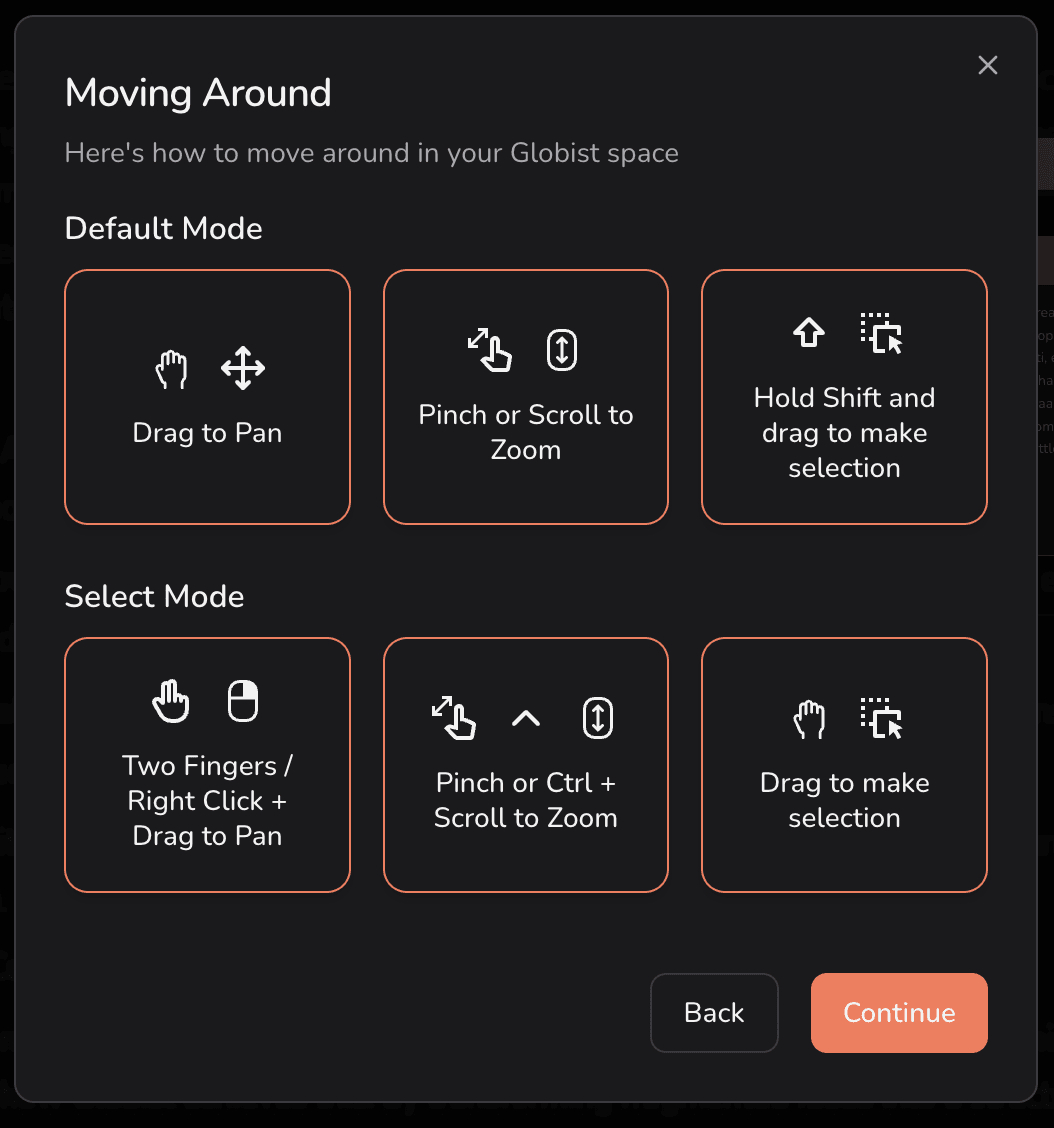
Default Mode
- Drag to Pan
- Pinch or Scroll to Zoom
- Hold Shift and drag to make a selection
Select Mode
- Two Fingers / Right Click + Drag to Pan
- Pinch or Ctrl + Scroll to Zoom
- Drag to make a selection
Button and Menu Details
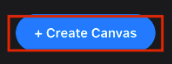
1. Create Canvas — To create your space for the project, click on Create Canvas in the upper right-hand corner.
2. Theme button — The button in the left-hand corner allows you to change the theme from dark to light and vice versa.
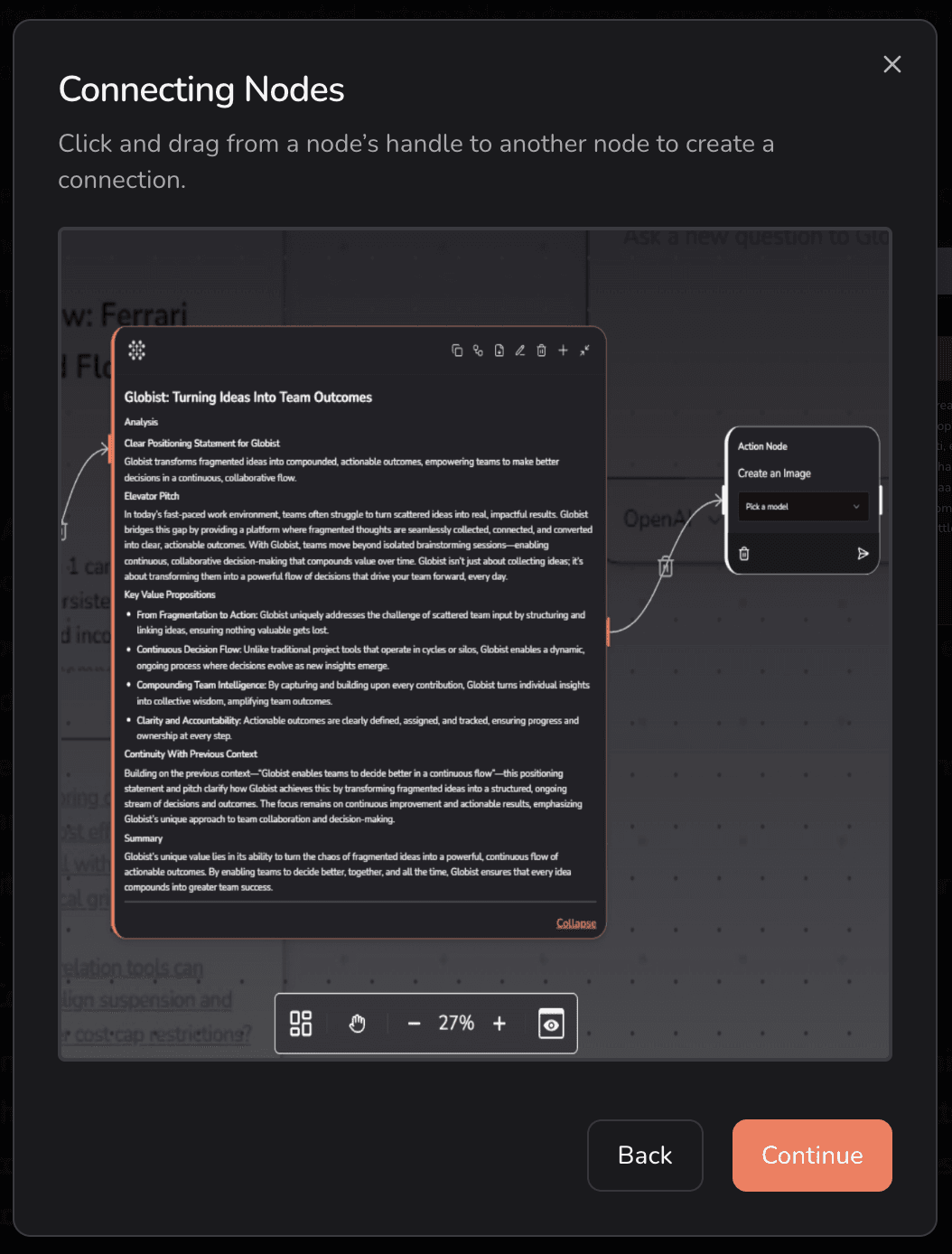
Connecting Nodes
Click and drag from a node's handle to another node to create a connection.
Node Action
Use the node toolbar to quickly add helper nodes. Hover over the + icon on a node to access the toolbar.