Adding Text
How to add custom text to your canvas.
How to Add Text
If you want to add your own content to the script, you can either use the edit button on an existing generated script box, or add a new text box.
Go to Toolbox -> Click on Add Note as shown below.
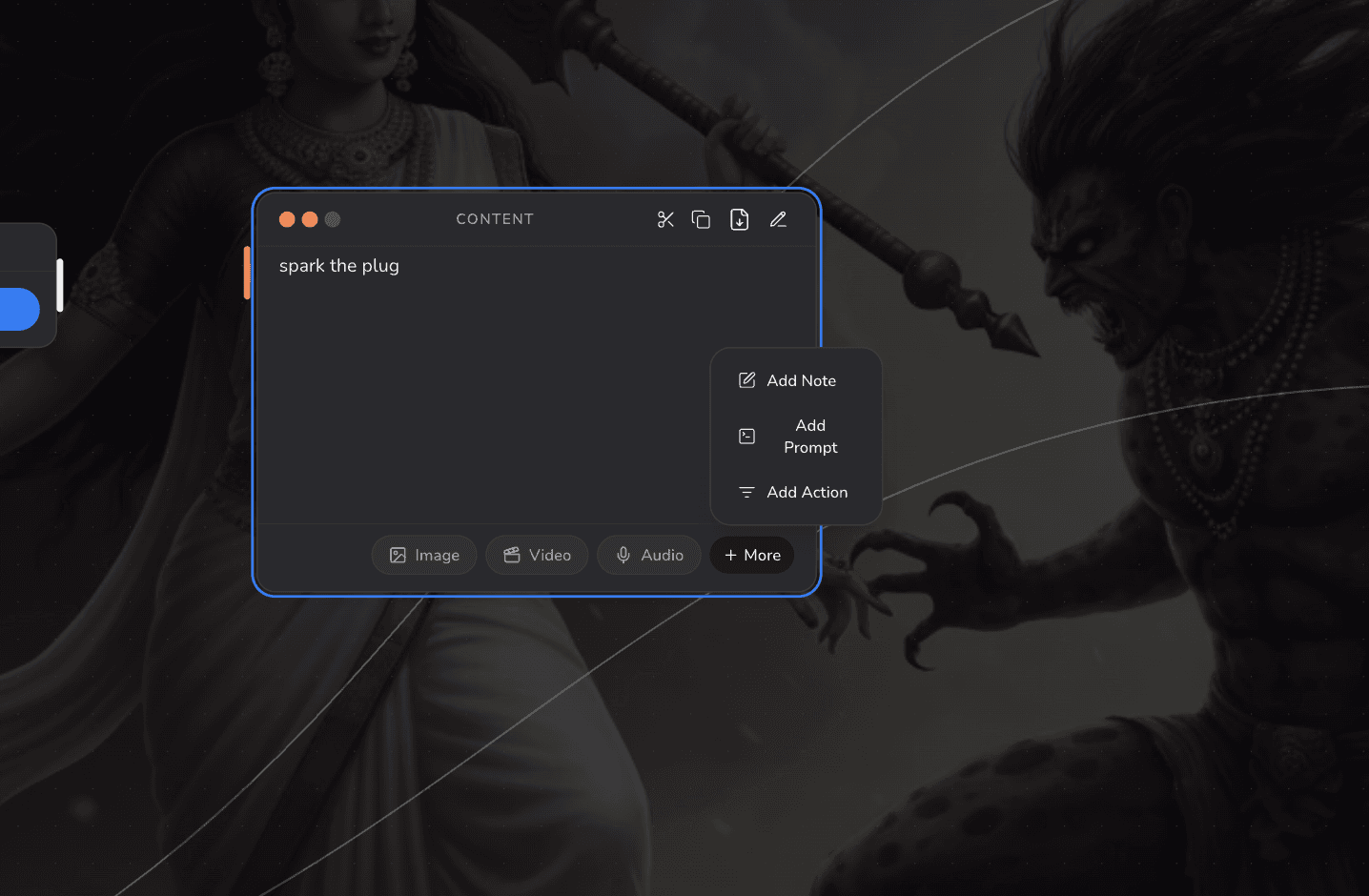
Text Box Actions
A text box contains various buttons to create magic for your film.
-
Scissor on the top right hand corner helps you to cut your complex texts in briefs so that it is easy to understand and compile
-
The copy button allows you to copy your content.
-
The Export button allows you to export your content in various other formats.
-
The edit button allows you to edit your content accordingly when needed without having to add a new text box every time you need to make changes as shown below.
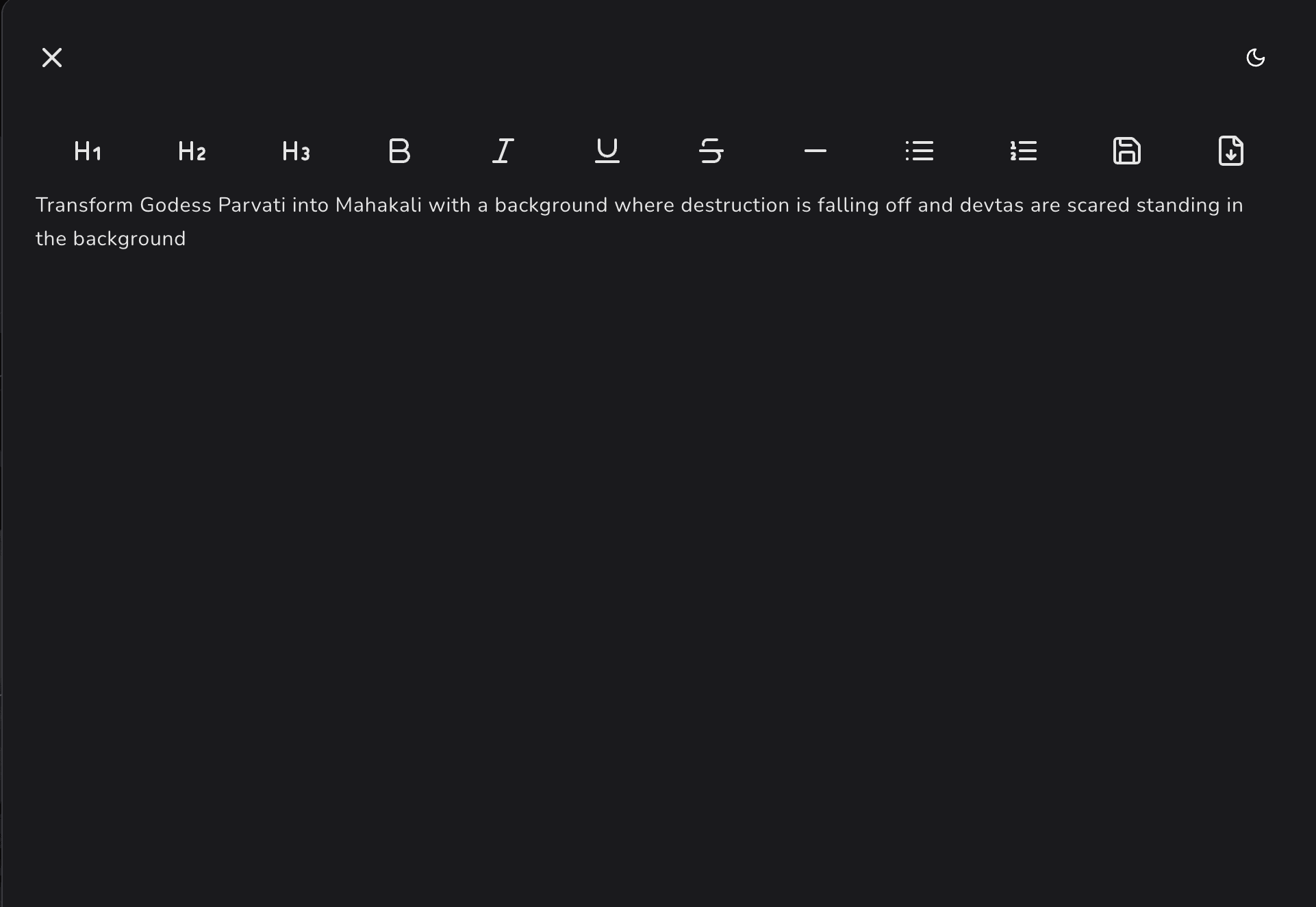
-
You can directly convert your text into image, video, audio.
-
You can click on more button to add another note box, use AI prompting or add different section to understand the work and content in easy way.