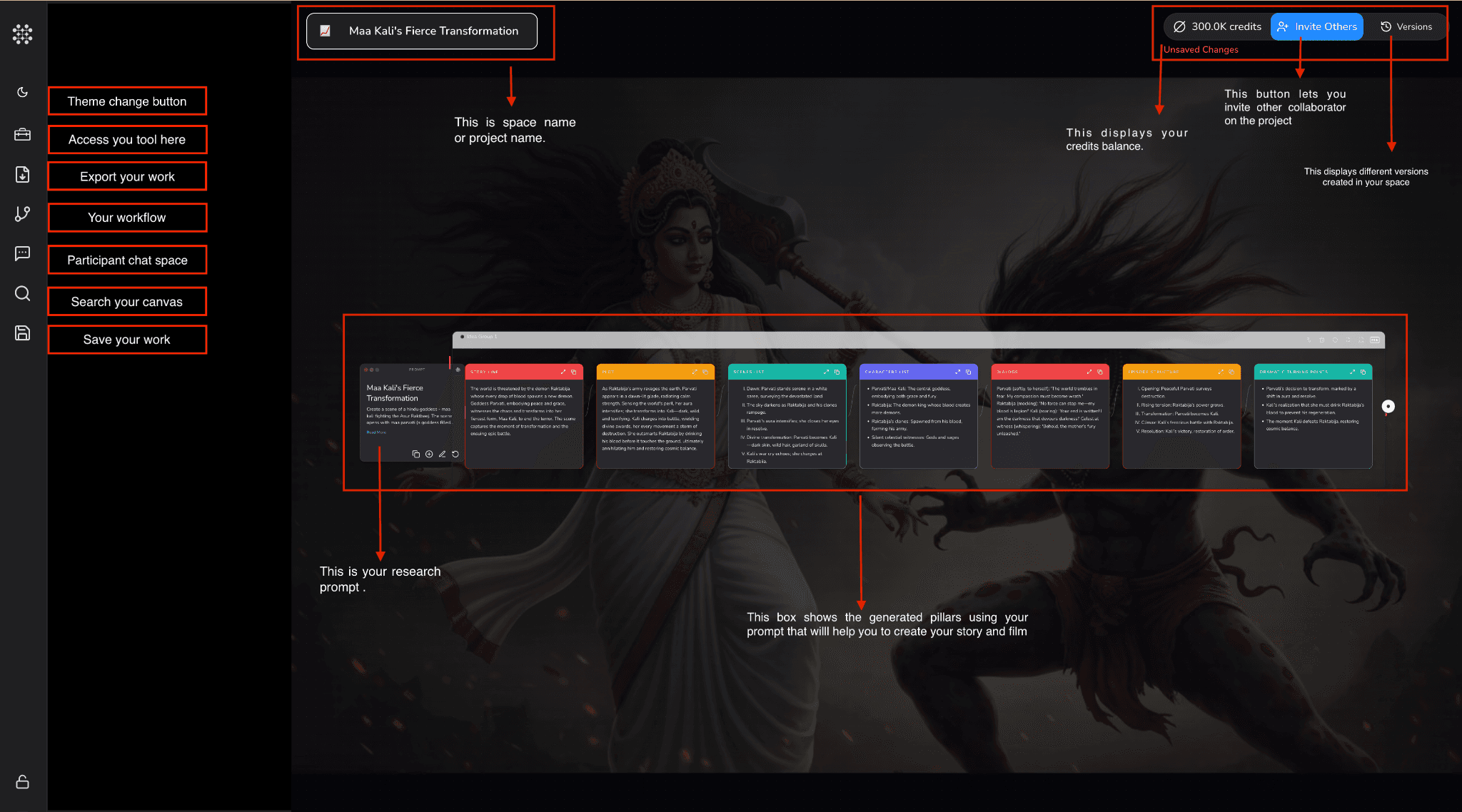
User Guide
Creating a canvas
How to create a Canvas in Globist.
How to Create a Canvas
-
Click the Create Canvas button in the upper right-hand corner.
-
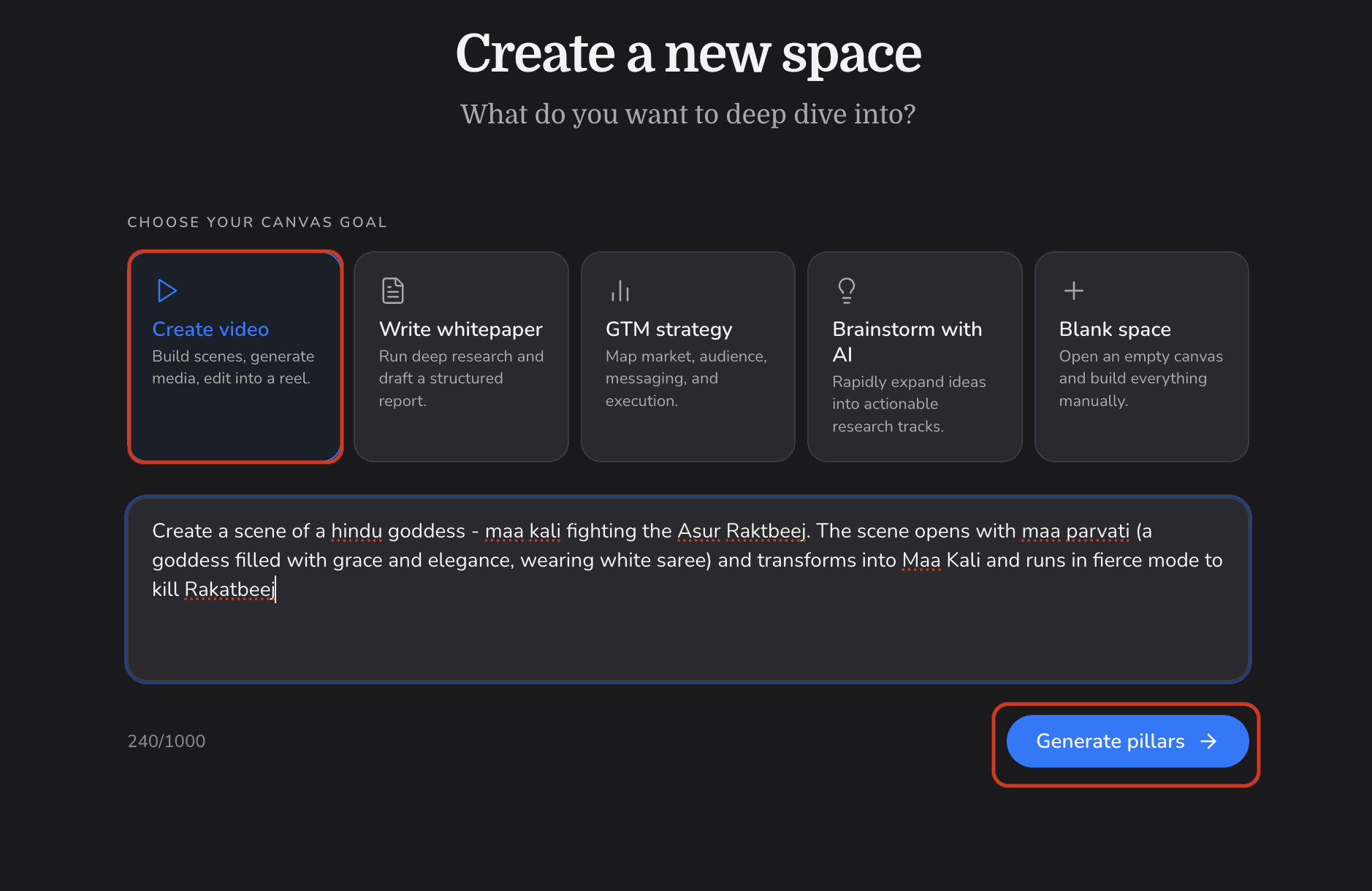
Select Create video as your canvas goal and enter a prompt within 1000 characters.
-
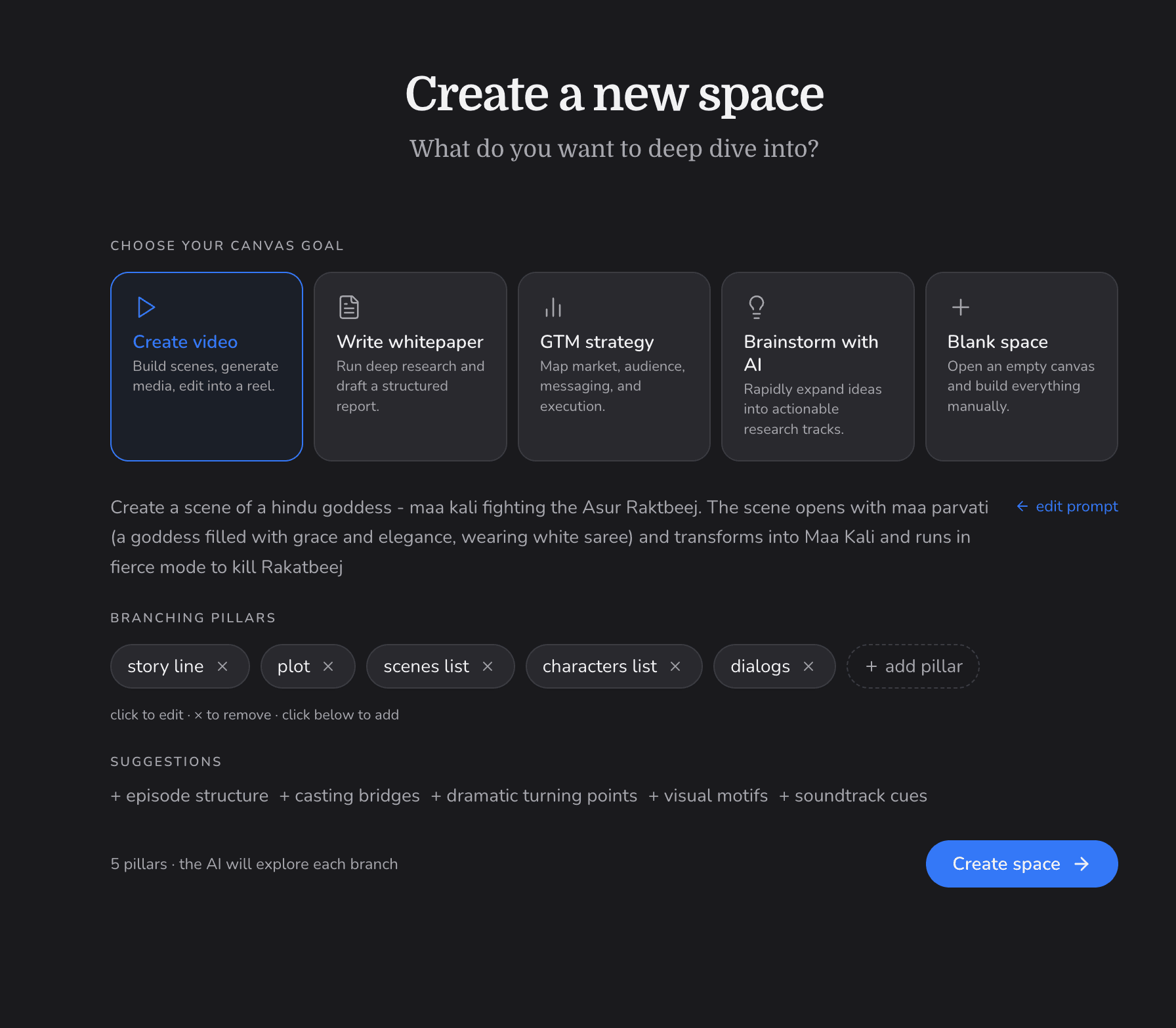
Select the branching pillars you need to create your video (e.g. story line, plot, scenes list, characters list, dialogs). You can also add custom pillars or pick from suggestions.
-
Click Create Space.
-
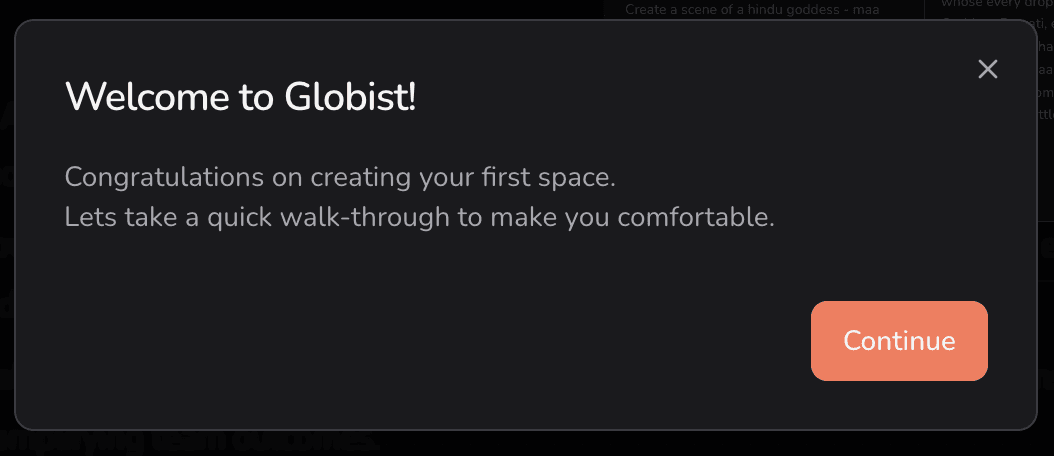
The canvas screen will appear with your research prompt and the generated pillars laid out as nodes.