User Guide
Generating a Script
How to generate a script from your storyboard and split it into scenes.
Generating a Script
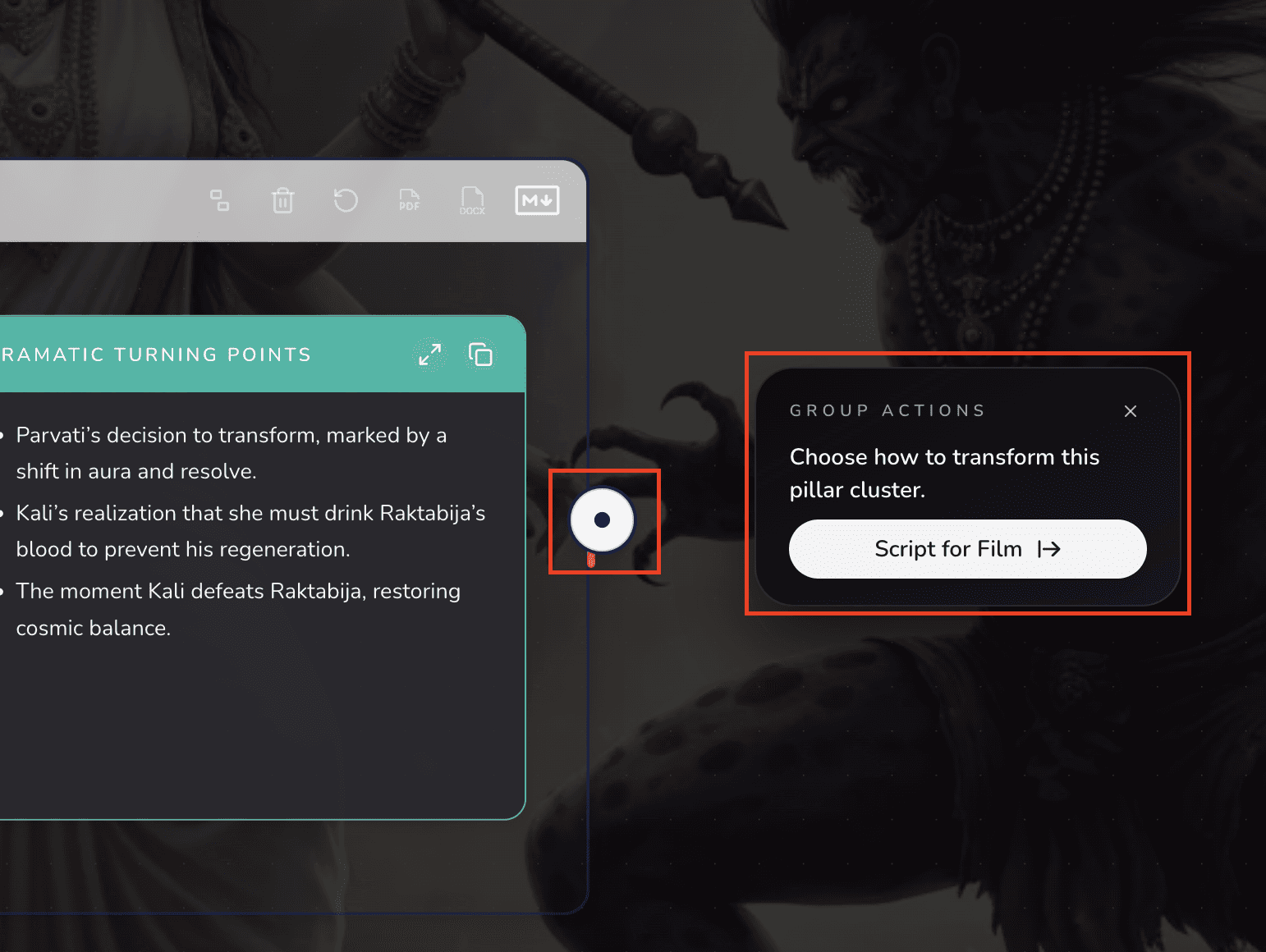
After your storyboard is created, you can generate a script by hovering your cursor over the white button at the end of your storyboard.
After your script is generated, you now can start creating scenes and characters.
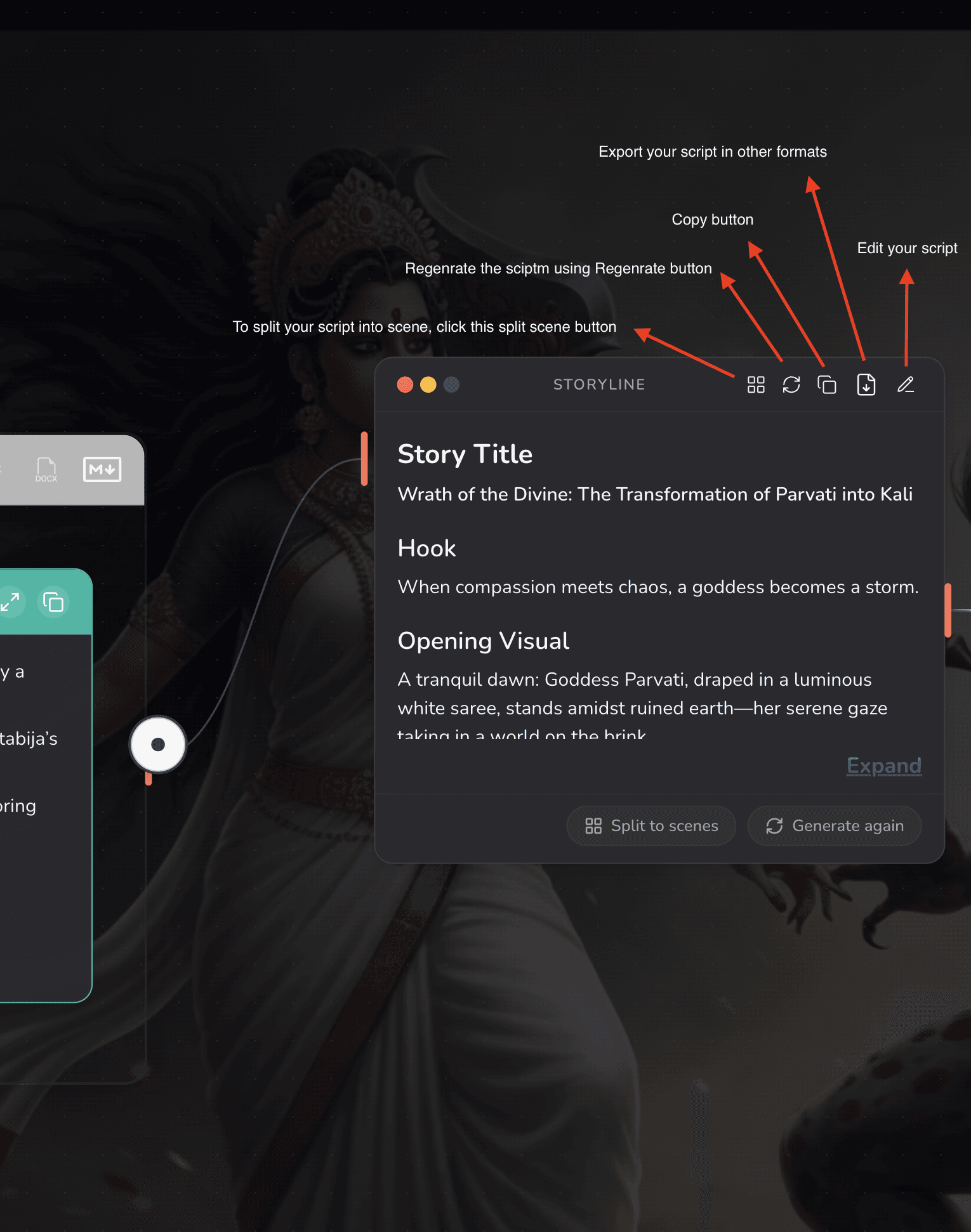
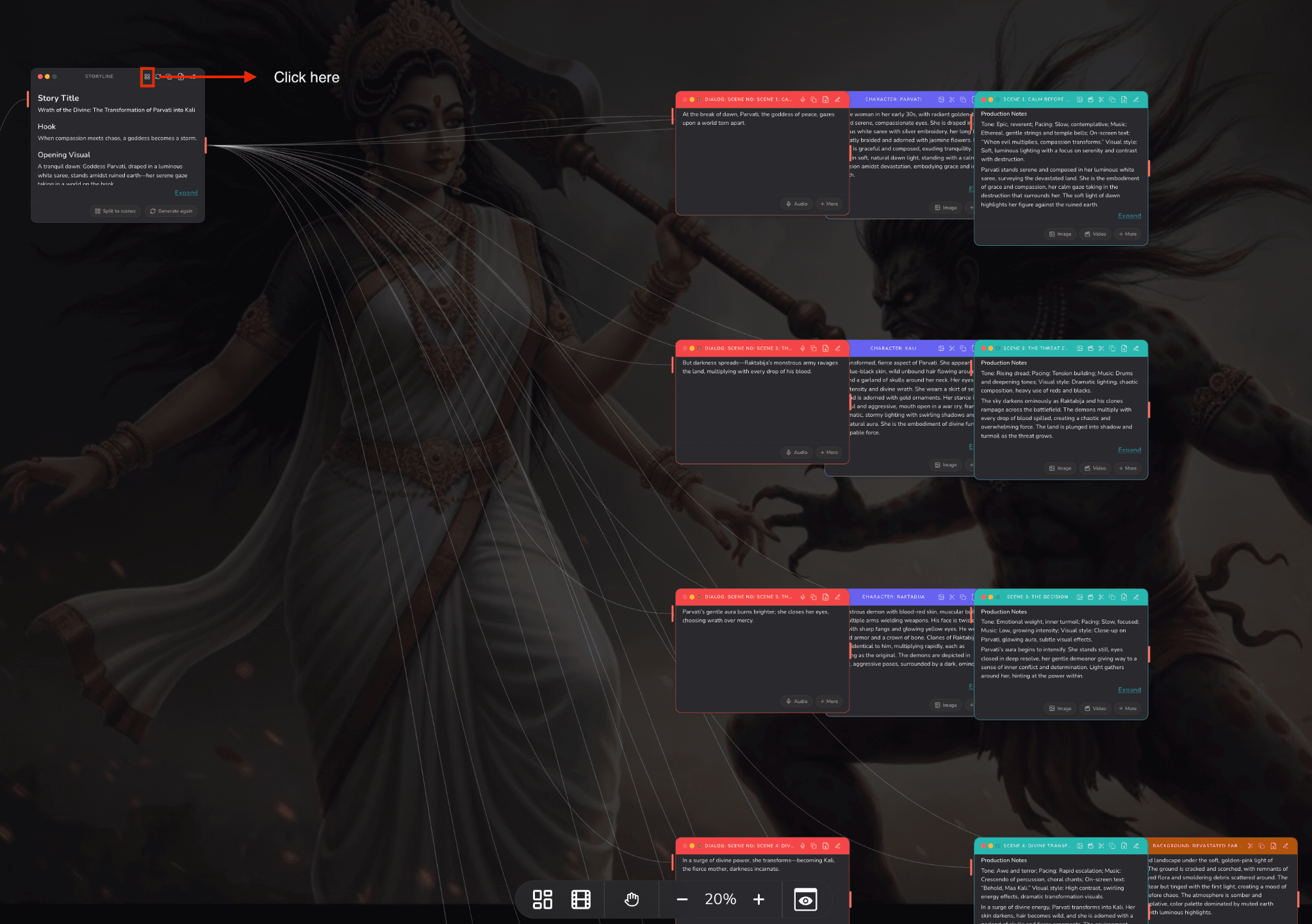
Once you are finished generating your script, you can create multiple scenes with a single click.
Node Connections
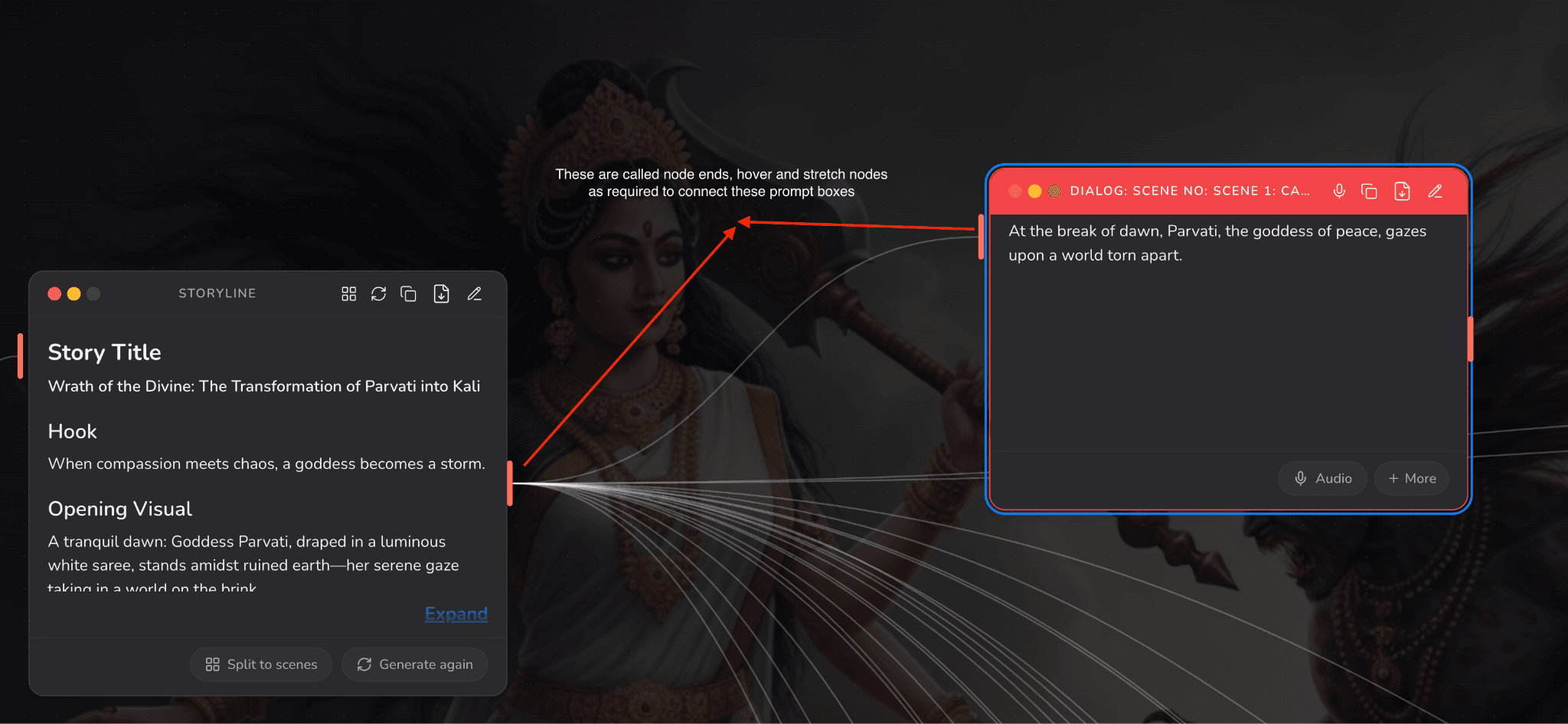
After splitting your script into scenes, white lines spread across your canvas — these are nodes. They connect every generated or written prompt to one another.